Smart Bathroom Setup for Apple Home, Alexa, and Google
What actually connects to Apple Home, Alexa and Google in a bathroom today: lights, sensors, plugs, fans and leak detectors, plus the truth about Wi-Fi bidet seats.

We may earn a commission when you buy through links on this page, at no extra cost to you. Learn more
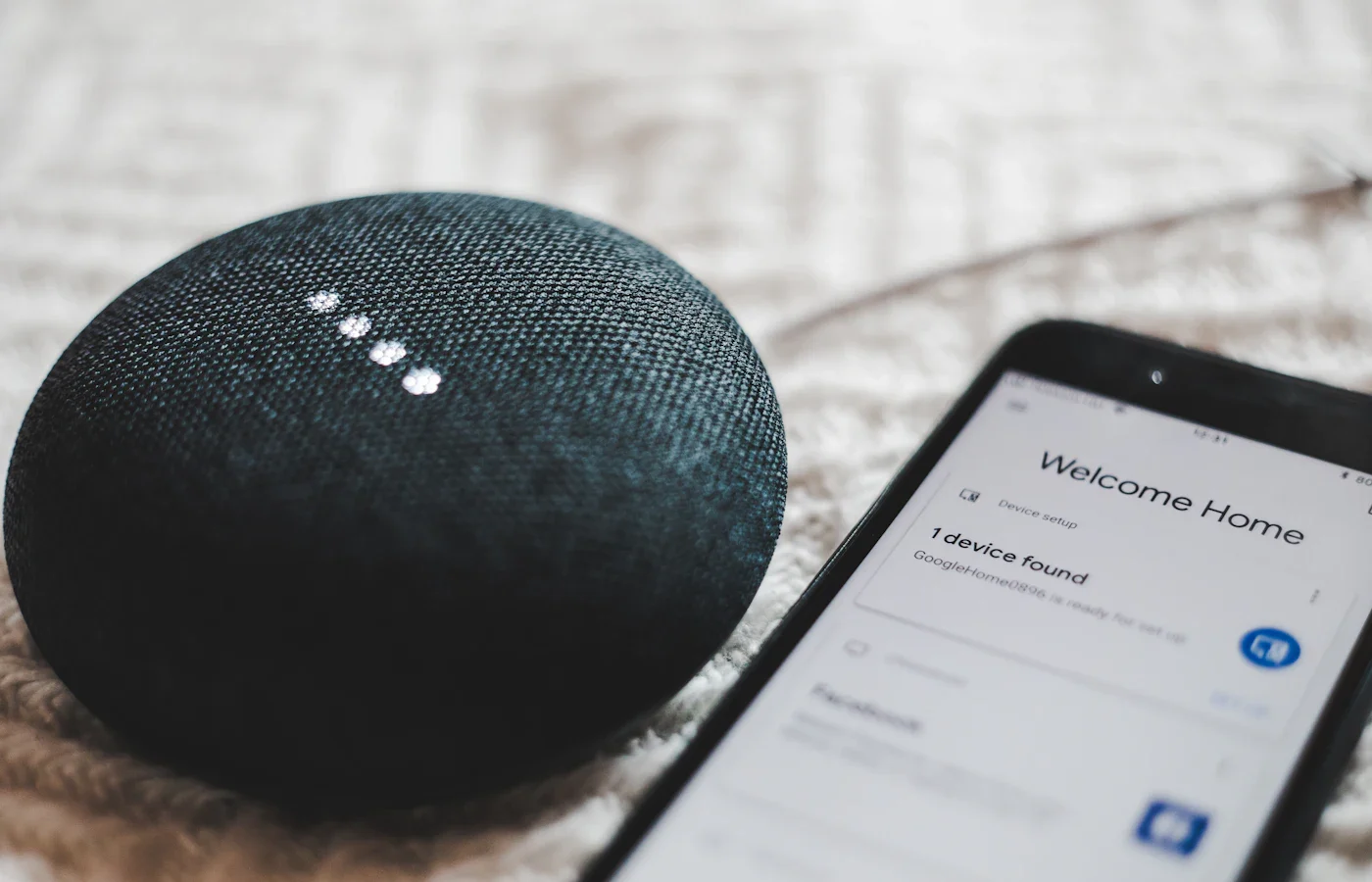
A smart bathroom today is mostly about lighting, sensors and ventilation, not the toilet. Smart lights, motion sensors, humidity-triggered exhaust fans, leak detectors and voice assistants all work well with Apple Home, Amazon Alexa and Google Home. Bidet seats, on the other hand, are still mostly controlled by a remote or side panel, and few offer app or voice control.
This guide covers what connects reliably right now, how Matter fits in, and how to set things up safely and privately. It’s written for homeowners who already use one of the big three platforms and want the bathroom to join in.
This guide is based on research, not product testing. Information comes from manufacturer and standards-body documentation.
What actually connects today
Here’s a realistic overview of bathroom devices and how well they fit into a smart home platform.
| Device | What it does in a bathroom | Platform support | Notes |
|---|---|---|---|
| Smart bulbs and switches | Scheduled, dimmed or motion-triggered lighting | Widely supported, including Matter options | Choose bulbs rated for enclosed or damp fixtures where needed |
| Motion and occupancy sensors | Turn lights on and off automatically | Widely supported | Place out of the shower spray |
| Humidity sensors | Trigger the exhaust fan after a shower | Widely supported | Pair with a smart fan switch |
| Smart fan switches | Run the exhaust fan on a timer or humidity rule | Common | Hardwired; may need an electrician |
| Water leak sensors | Alert you to leaks around the toilet or sink | Common; a Matter device type since Matter 1.3 | Battery powered; sits on the floor |
| Smart plugs | Schedule plug-in devices such as a towel warmer | Widely supported | Check the device’s power rating and the plug’s limit |
| Voice speakers | Hands-free lights, timers, music | Platform specific | Keep away from water; consider privacy |
| Electric bidet seats | Wash, heated seat, dryer | Rarely connected | Usually remote or side-panel control only |
The truth about Wi-Fi and Alexa bidet seats
If you’ve searched for a “smart bidet wifi alexa” setup, you’ve probably seen confusing results. Here’s the honest picture. The electric bidet seats in our researched lineup are controlled by a wireless remote or a side panel. That includes the TOTO WASHLET S7A, Bio Bidet BB-2000, Brondell Swash 1400 and Alpha JX2. The manufacturer details we’ve compiled for them describe remote and panel control, with no mention of Alexa, Google Home, Apple Home or Matter support.
That isn’t necessarily a drawback. A dedicated remote is fast, works without an internet connection and is easy for guests to understand. Wash settings are personal, and few people want to say them out loud anyway.
Some products advertise app control. If a connected bidet matters to you, confirm on the manufacturer’s own website exactly which platforms are supported and what the app can control. Don’t rely on a third-party listing title alone.
To compare the seats themselves, our best smart toilet seats for 2026 roundup covers features and fit, and the smart home category collects related guides.
Matter in plain terms
Matter is a shared smart home standard developed by the Connectivity Standards Alliance. Its goal is that a device certified for Matter works with multiple ecosystems, so you don’t have to buy separate versions for Apple, Amazon or Google. The Alliance says Matter is supported by companies including Amazon, Apple, Google and Samsung SmartThings, and that it works with Alexa, Siri and Google Assistant.
How Matter devices connect
According to the Alliance, Matter runs over Wi-Fi and Thread, and uses Bluetooth Low Energy for setup.
- Wi-Fi devices connect to your router directly. This suits plugged-in devices like light switches and plugs.
- Thread devices form a low-power mesh network, which suits battery sensors. Thread needs a border router, a role some smart speakers and hubs perform. Check your hub’s specifications.
What Matter covers in a bathroom
Lights, switches, plugs and many sensor types are part of Matter. Matter 1.3 added device types for water leak and freeze detectors, which makes cross-platform leak sensors easier to find. Look for the Matter logo on the packaging. You can also confirm certification through the Alliance’s product directory.
Build it step by step
1. Lighting that turns itself on
A motion sensor paired with a smart bulb or switch is the most useful bathroom automation. Set a dim, warm light for nighttime and full brightness during the day. That way nobody fumbles for a switch at 3 a.m. or gets blinded by a bright overhead light. This also helps older family members. See our accessibility guide for more.
Bathrooms are a tricky place for motion sensors because people sit still. A longer timeout, or an occupancy sensor designed to detect presence, prevents lights from switching off mid-visit.
2. Humidity sensor plus exhaust fan
Lingering steam encourages mildew and can damage paint and grout. A humidity sensor can trigger a smart fan switch when humidity rises after a shower and shut the fan off once it drops. Some exhaust fans and fan switches have humidity sensing built in. Wiring a new fan switch is a hardwired job, so hire a licensed electrician if you’re not comfortable working with household wiring.
See options on Amazon3. A leak sensor by the toilet
A small battery-powered leak sensor on the floor beside the toilet can alert your phone if the supply line, the bidet seat’s T-valve or the wax seal starts leaking. If you’ve installed a bidet seat, this is a sensible companion, since it adds a connection to the water supply. Our installation guide explains how that connection works.
Check prices on Amazon4. Voice control, carefully placed
A smart speaker in or near the bathroom lets you control lights, set timers and play music hands-free. If you’re considering an Amazon Echo in the bathroom, or a Google or Apple speaker, put it well away from the sink, tub and shower. A shelf outside the splash zone, or just outside the bathroom door, works. Most smart speakers aren’t designed for wet locations, so check the manufacturer’s guidance.
Compare models on Amazon5. Smart plugs for the right devices
A smart plug can put a towel warmer or a plug-in space heater on a schedule. Check that the plug is rated for the device’s power draw, and follow the heater manufacturer’s instructions about smart plugs and timers. Some heater makers advise against them. Never use a plug-in heater near water or leave one running unattended.
Wi-Fi in the bathroom
Bathrooms are often at the edge of a home’s Wi-Fi coverage, and tile, mirrors and plumbing can weaken the signal. Before buying Wi-Fi devices, check signal strength in the bathroom with your phone. If it’s weak, consider a mesh Wi-Fi node nearby. Battery sensors on Thread are another option, since they mesh with each other and with your border router.
Electrical safety
- GFCI protection. The National Electrical Code requires GFCI protection for standard bathroom receptacles in homes. If your outlets don’t trip and reset with a test button, have an electrician check them.
- Distance from water. Keep plug-in electronics away from tubs, showers and sinks, and keep cords off the floor.
- Damp-rated fixtures. Use lights and fans rated for bathroom use, and follow the manufacturer’s location ratings.
- Hardwired work. Switches, fans and new outlets are jobs for a licensed electrician.
Privacy: what not to put in a bathroom
Keep cameras out of the bathroom, full stop. That includes cameras built into smart displays and video doorbells, and cameras on devices that move around. If a smart display lives nearby, choose a spot without a view into the bathroom and use the camera shutter or privacy switch.
Microphones are a personal call. Most smart speakers have a microphone mute button, and all three major platforms let you review and delete voice history in their apps. Motion and humidity sensors collect far less sensitive data and are usually the better fit.
Platform quick guide
| If you use… | Good starting point | Tip |
|---|---|---|
| Apple Home | Matter or Apple Home-compatible lights, motion sensor and leak sensor | Set up a home hub so automations can run |
| Amazon Alexa | Matter or Alexa-compatible lights and sensors; an Echo placed outside the splash zone | Use Alexa Routines for motion-based lighting |
| Google Home | Matter or Google Home-compatible lights and sensors | Use Google Home automations for humidity and fan rules |
| Mixed household | Matter-certified devices | One device can be shared across ecosystems |
Frequently asked questions
Is there a bidet seat that works with Alexa or Apple Home?
The bidet seats we’ve researched are described by their makers as remote- or panel-controlled, with no mention of Alexa, Google Home, Apple Home or Matter support. If connected control matters to you, confirm supported platforms on the maker’s own site before buying.
Is it safe to put an Amazon Echo in the bathroom?
Keep it well away from water and out of the splash zone, ideally on a high shelf or just outside the door. Follow Amazon’s placement guidance. The speaker should plug into a GFCI-protected outlet, and the cord should stay off wet surfaces.
Do I need Matter to automate my bathroom?
No. Devices that work natively with your chosen platform are fine. Matter mainly helps if your household uses more than one ecosystem or you want flexibility to switch later.
What’s the most useful smart bathroom upgrade?
For most homes, a motion-activated light and a humidity-controlled exhaust fan make the biggest daily difference. A leak sensor by the toilet adds peace of mind for very little effort.
Next steps
Start with lighting and ventilation, add a leak sensor, then decide whether a bidet seat belongs in the plan. Our are smart toilet seats worth it guide helps with that decision. The smart toilet quiz suggests a seat type, and the eco-friendly bathroom guide covers water-saving upgrades that pair well with smart sensors.